
The client on your PC
Sendsthe local credentials the client generates
Reads your summoner, games and history, and carries out the automation you turned on.
See every teammate's recent form and tier in champ select, page through anyone's match history by name, and leave accepting, picking and the opening callout to winer. Windows only, tested on the Tencent client.
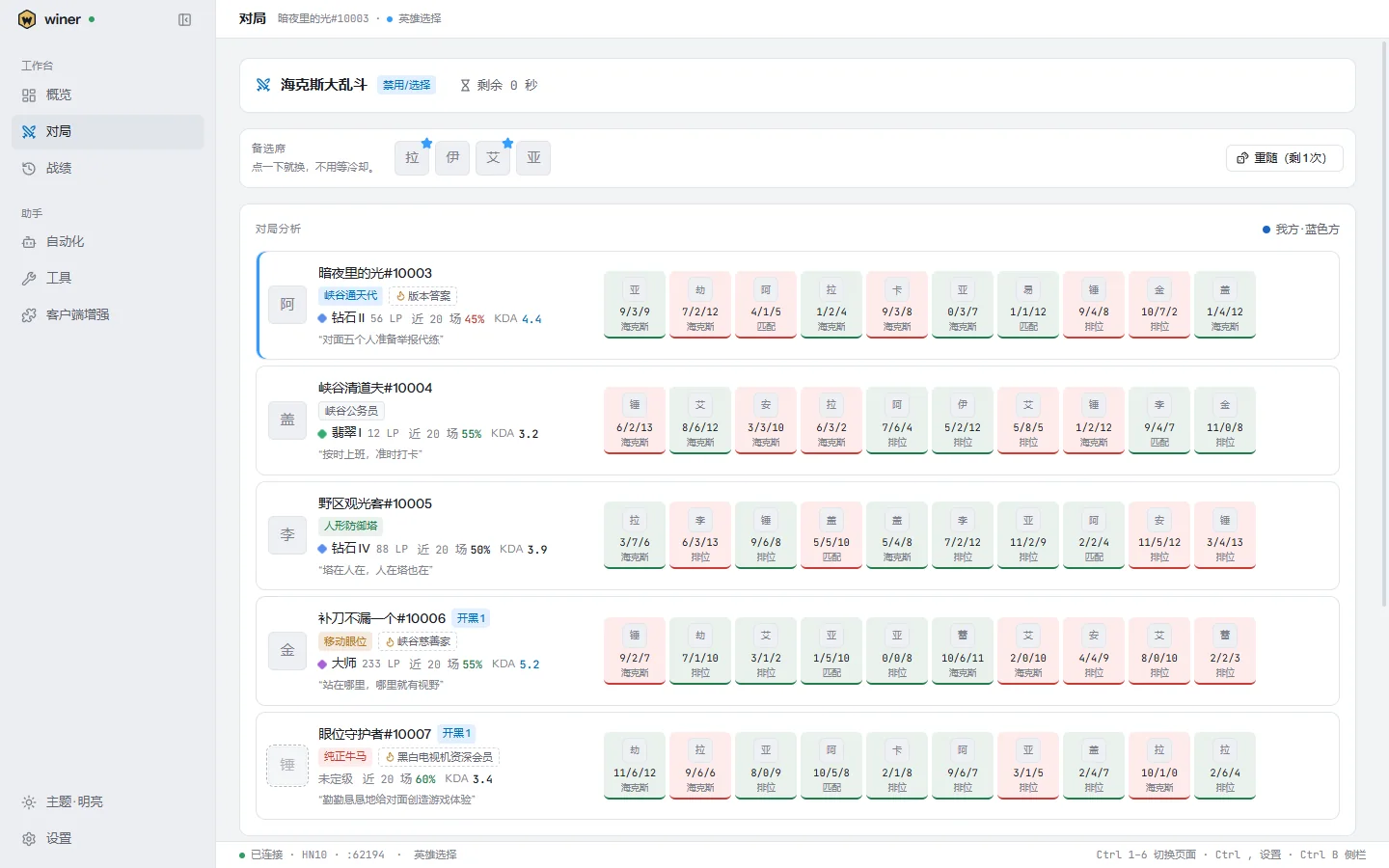
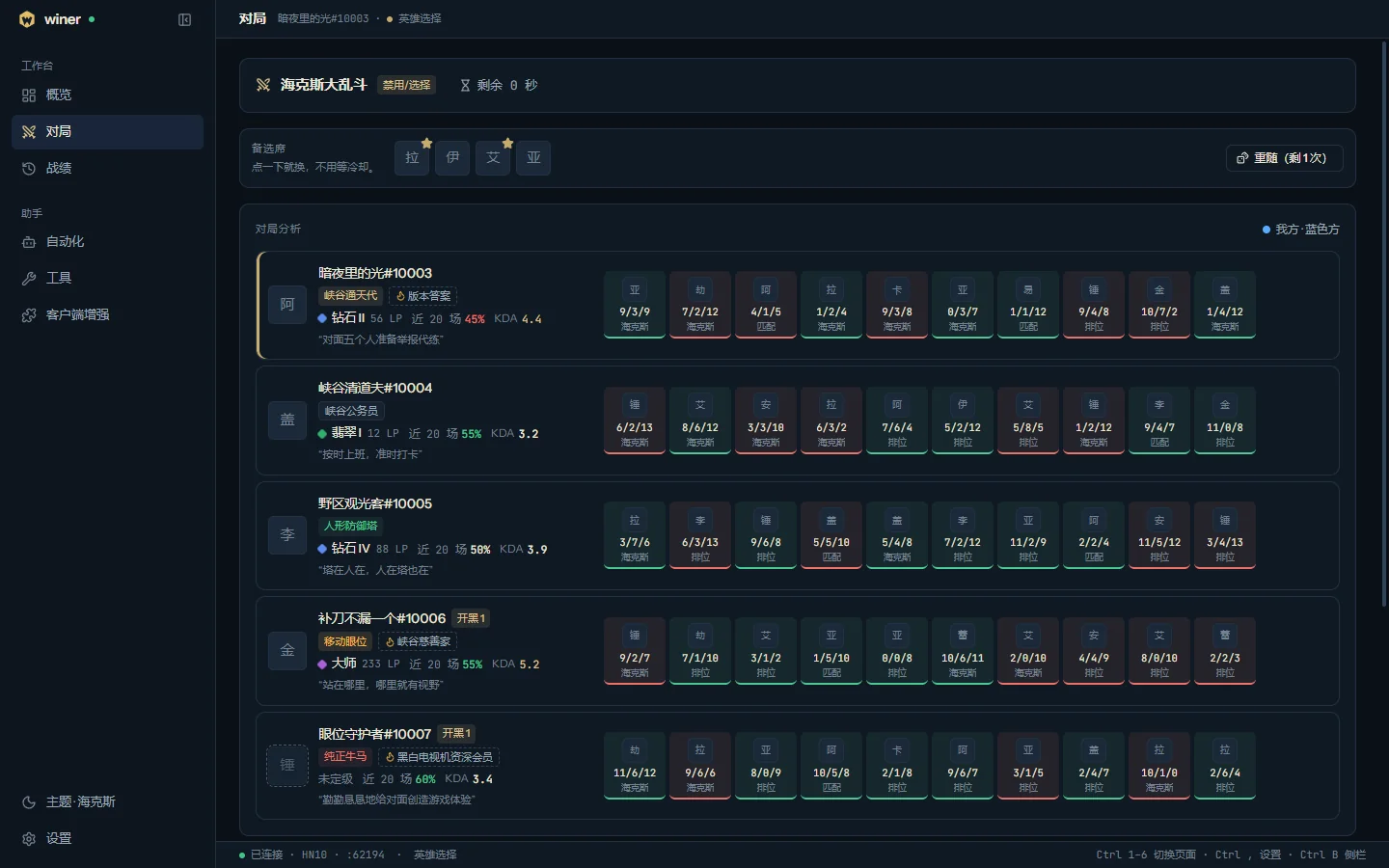
Everything at a glance. Every automation is off until you turn it on, and can be limited to the modes you choose.
One row per player on both teams in champ select and in game, with rank, recent win rate, KDA and every recent game, sides and parties.
By default the team of five is ranked into five Rift tiers, each with a quip; or graded S+ to F on fixed bands, or ranked by horses or names of your own.
A chat message ranked by tier, sent to the team or to you alone in one click or every game by itself, its first line naming your side.
Swap to a bench champion in one click without the cooldown, or let a wishlist do it.
Anyone's games by name, page by page to the first one, filtered by ranked, normal and ARAM.
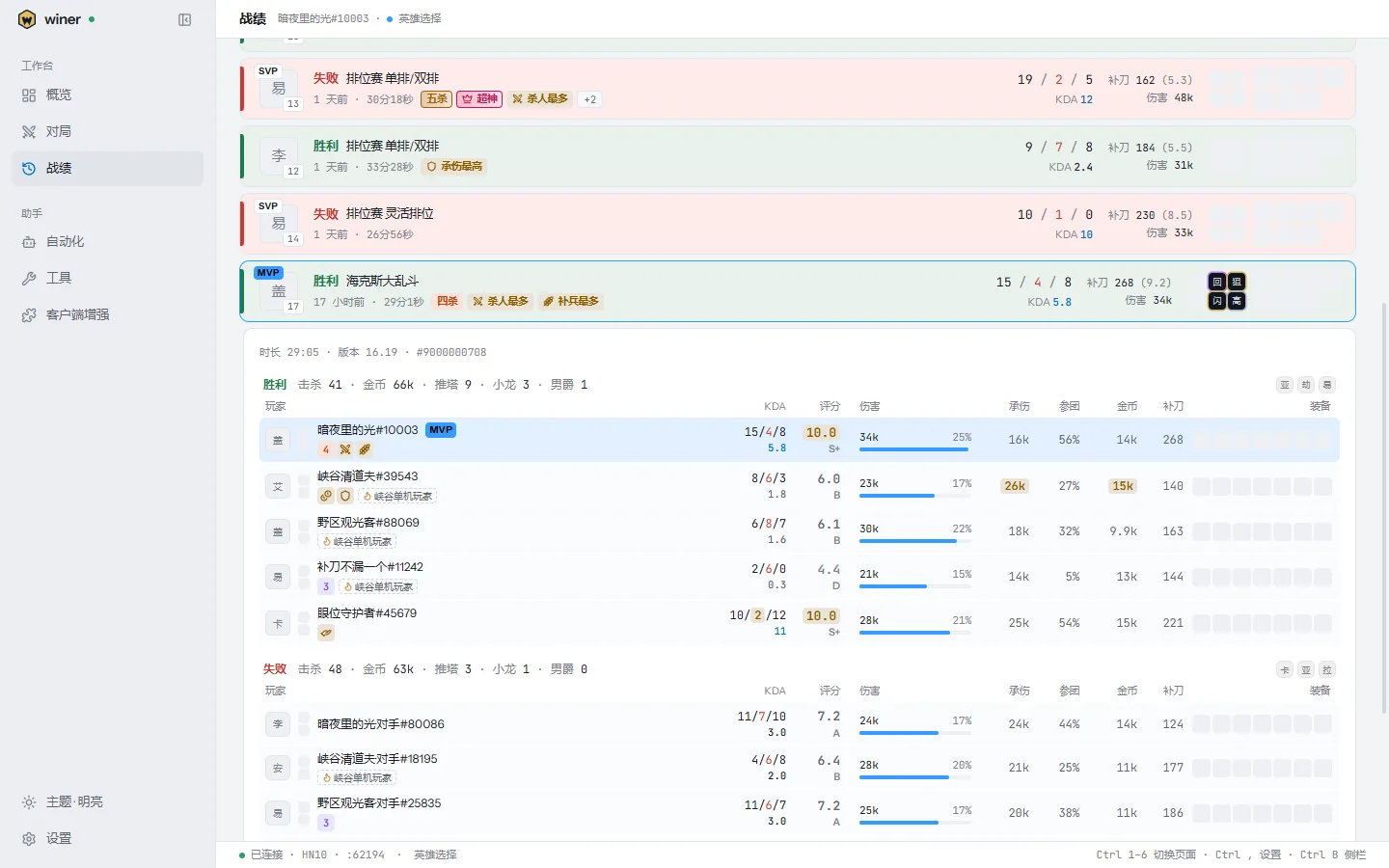
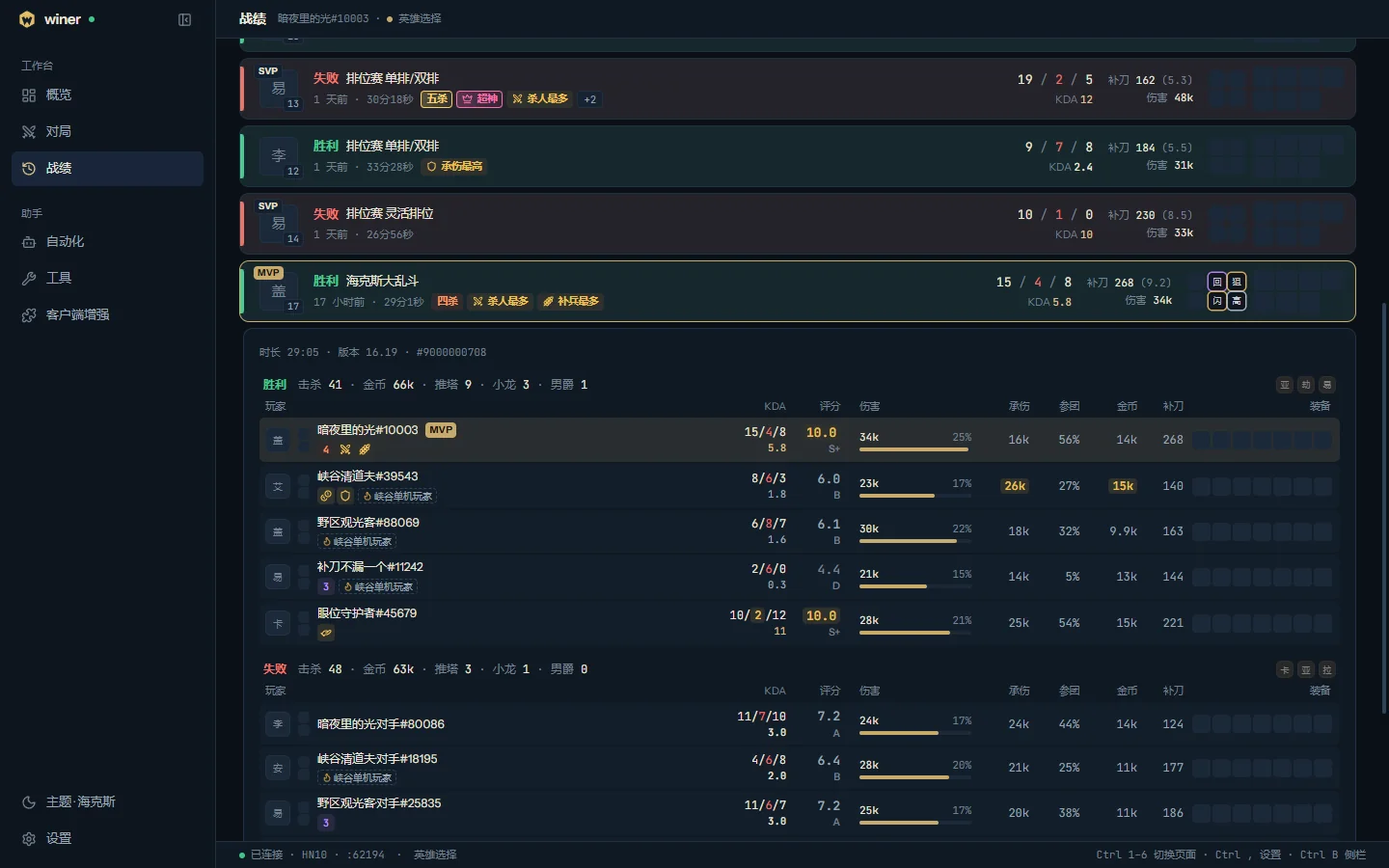
Every game marks its MVP and SVP, multikills, Legendary, first blood, the game's leads and AFK players.
A score and an S+ to F grade for every player, damage share, damage taken, kill participation, gold and items, the game's best values picked out.
Accepts the match for you, after a wait you choose.
Picks and bans by position from your own lists, skipping what is banned, taken or shown by a teammate.
Returns to the lobby when the game ends, ready for the next one.
Through Pengu Loader, teammates' form, tiers and titles appear in the client's champ select, and bench champions swap on a click.
Switch between online, away and invisible, edit your status message, restart a stuck client interface.
Light, Dark, Graphite, Hextech and System, eight accents, the tray and start with Windows.
irm https://github.com/sunerpy/winer/releases/latest/download/install.ps1 | iex
Run it in PowerShell; the installer runs only once it matches SHA256SUMS. Or download the installer and run it.
Sign in to the client, then open winer. When the Tencent client runs as administrator, choose "Restart as administrator".
The Live game page lists every teammate's form and tier; "Send to team" posts the callout.
The Tencent client's own API returns the latest 20 games only. winer asks the region's match-history server page by page instead, so it reaches the first game, filtered by ranked, normal and ARAM.
Every game marks its MVP, SVP and feats: double to penta kills, Legendary, first blood, the game's leads, and players the game marked AFK. Open one for the full scoreboard with every player's score and grade.
By default the team of five is ranked from Rift Demigod to Pure Workhorse, each tier with a quip, and a teammate on three wins in a row is called the Patch Champion. Rather not compare? Rift grades rate each player S+ to F on fixed bands.
Recent form, the game score, every title's rule and every feat's rule are written out in the settings and in these pages; nothing is guesswork.
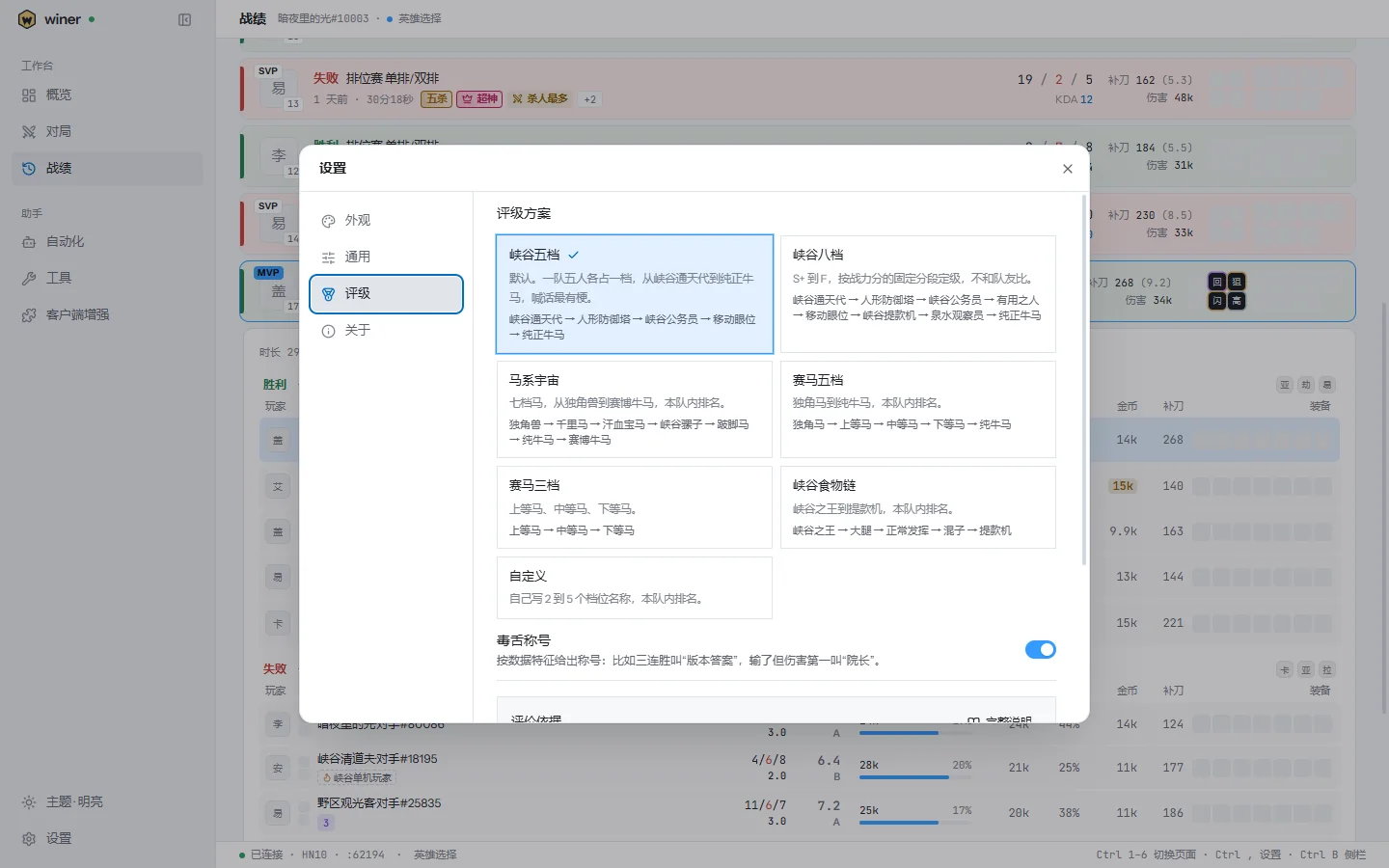
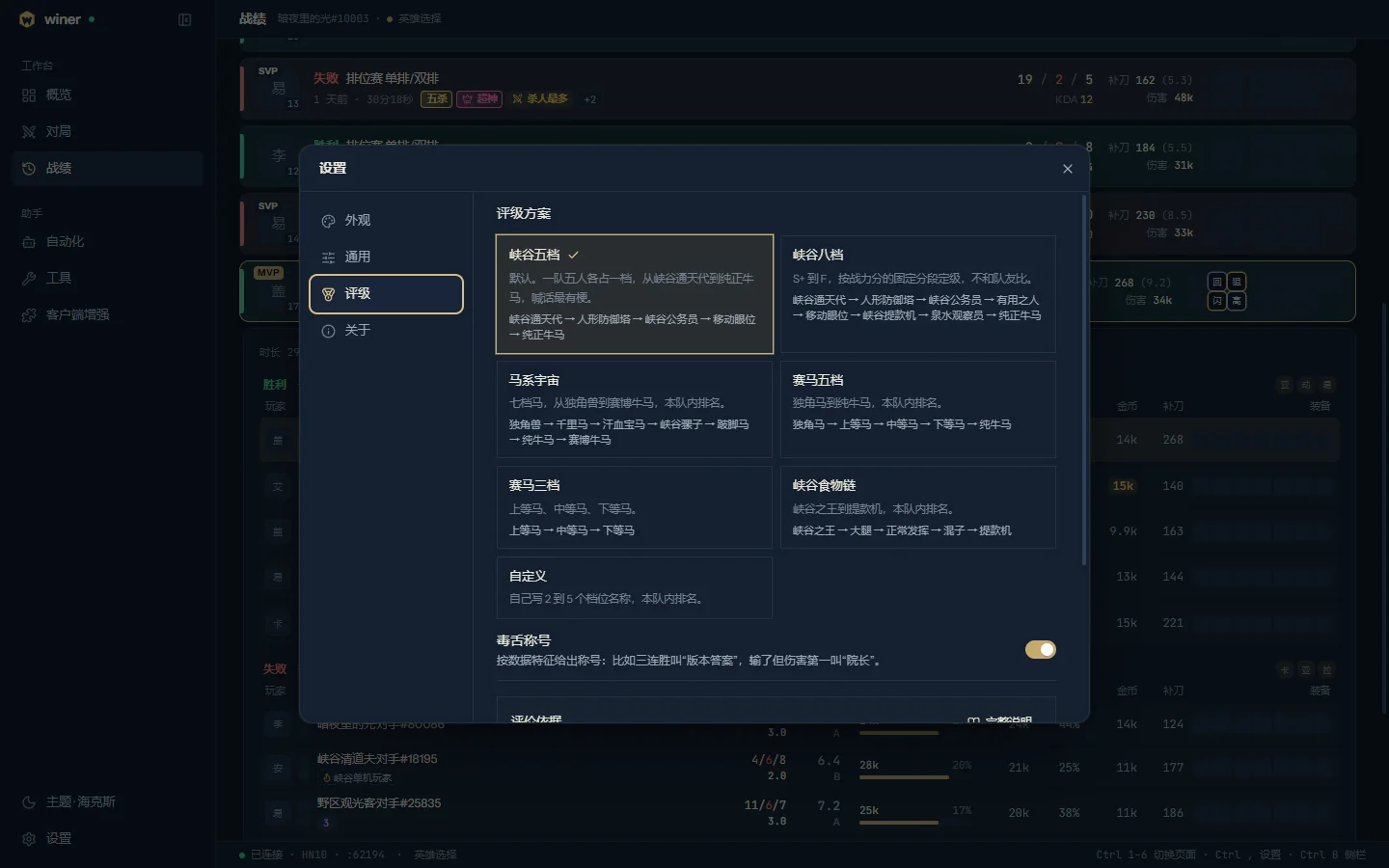
winer has no account, collects no usage data and runs no server of its own. These are all the places it connects to.
Sendsthe local credentials the client generates
Reads your summoner, games and history, and carries out the automation you turned on.
Sendsthe access token the client got at sign-in
Pages through match history; without it, the client's latest 20 games.
Sendsplain web requests
What Hextech ARAM's augments do (can be turned off), and checking for and downloading updates.
irm https://github.com/sunerpy/winer/releases/latest/download/install.ps1 | iex$env:WINER_VERSION = "0.0.1"
irm https://github.com/sunerpy/winer/releases/download/v0.0.1/install.ps1 | iexThe script checks the installer against the same release's SHA256SUMS and installs silently only when it matches. You can also download winer_<version>_x64-setup.exe from GitHub Releases and run it. Install covers verifying, updating and uninstalling.
Report a problem or suggest something: GitHub Issues.