
Backups and restore
This page explains how to back up the vault, how automatic backups work, and how to restore a backup.
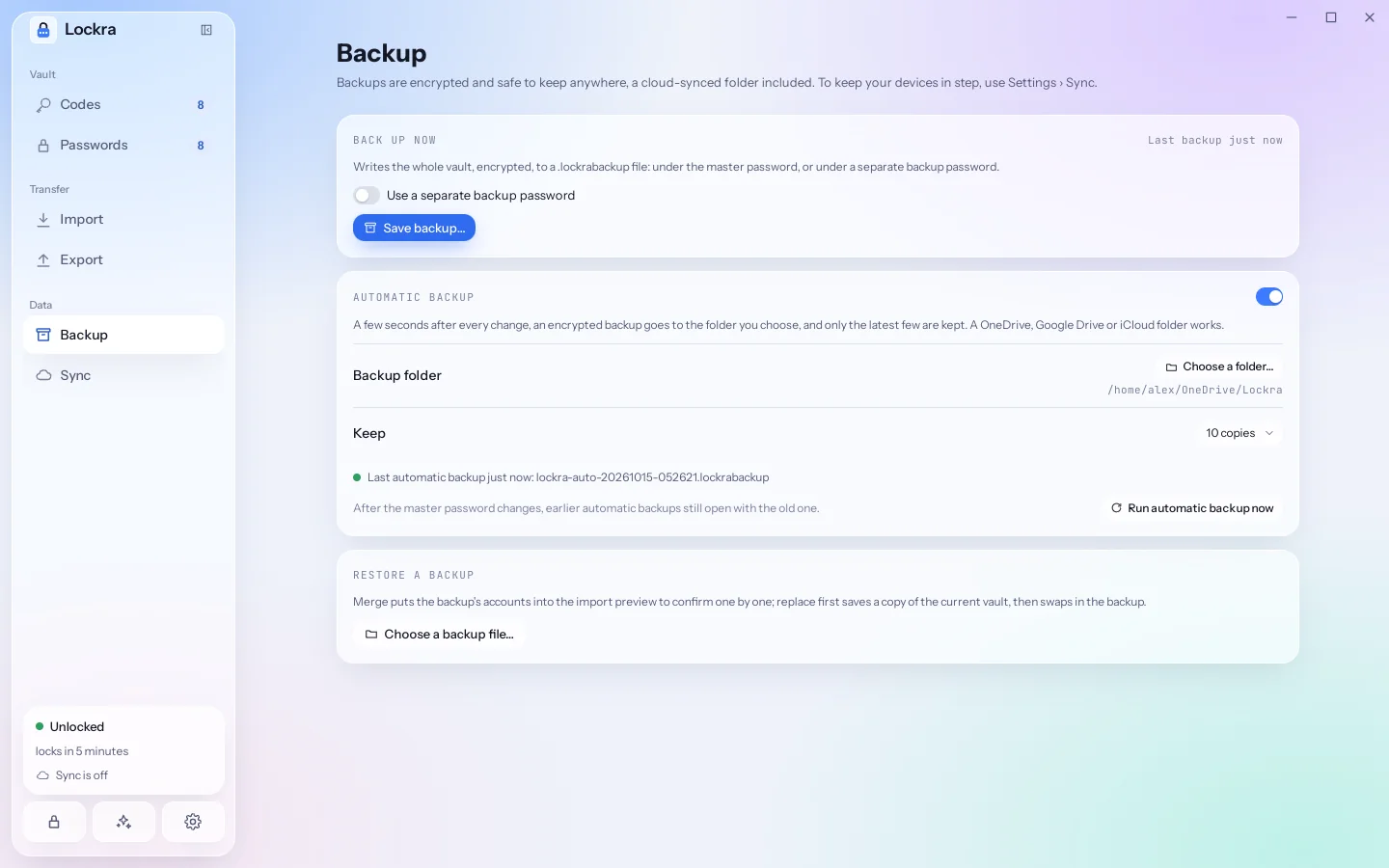
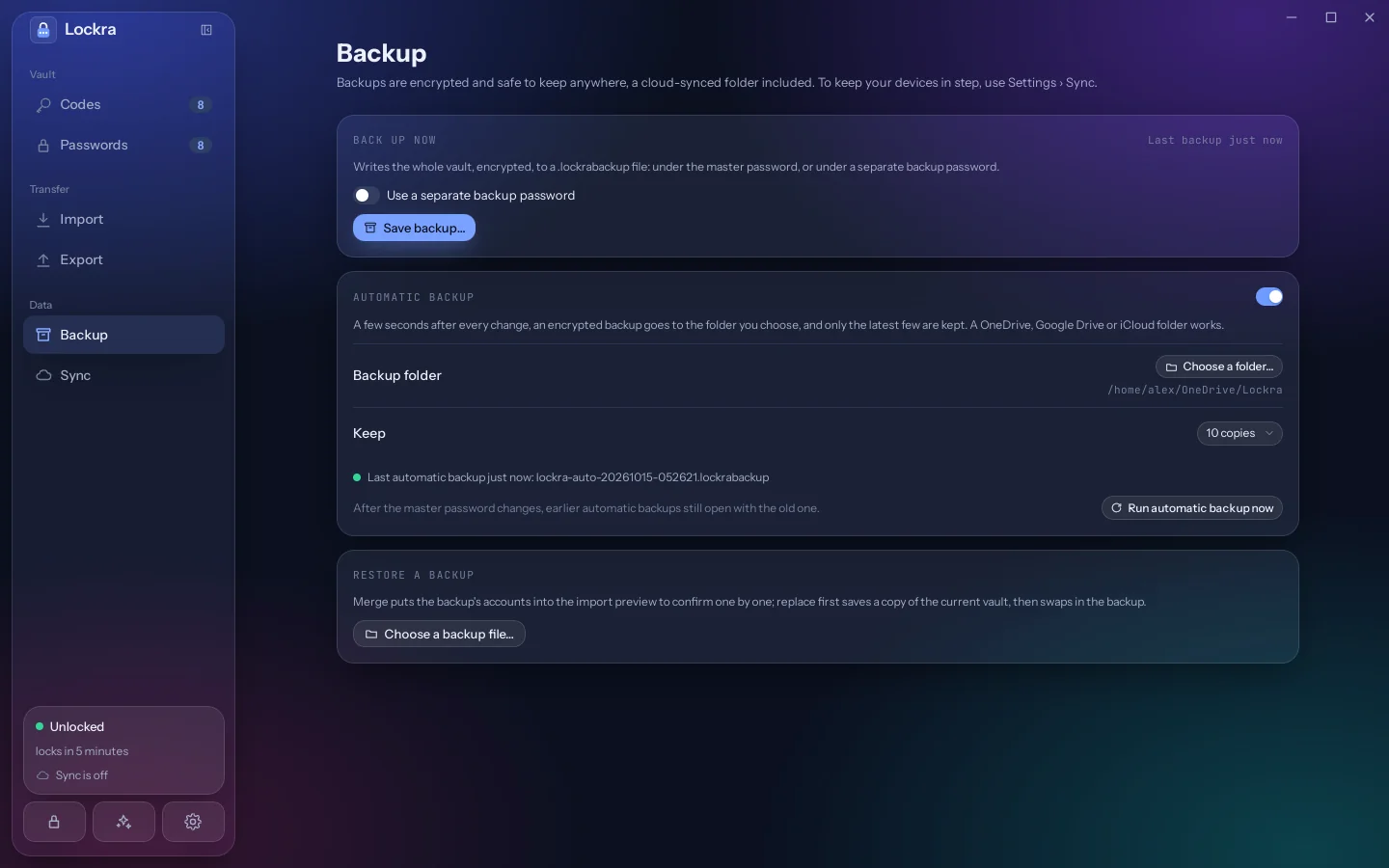
A backup is a .lockrabackup file encrypted the same way as the vault. It can be kept anywhere, including a cloud drive, because it opens only with its password.
Saving a backup now
Open Backup and choose Save backup…, then a place for the file. By default the backup is encrypted under the master password. Turn on Use a separate backup password to choose another one, for example for a copy you hand to someone you trust.
Automatic backups
Turn on Automatic backup and choose a folder. From then on, three seconds after the last change Lockra writes lockra-auto-<date>-<time>.lockrabackup there and deletes the oldest automatic backups beyond the number you keep (10 by default; 3 to 50). Only files with that name are ever deleted; anything else in the folder is left alone.
A folder that a cloud service synchronises (OneDrive, Google Drive, iCloud Drive, Dropbox) carries the backups to your other devices without Lockra going online. To keep the accounts themselves the same on several devices, use sync.
If the folder cannot be written, for example because a drive is disconnected, the Backup page says so and Lockra tries again at the next change. Run automatic backup now writes one at once.
After changing the master password
Automatic backups are encrypted under the master password at the time they were written. After you change it, earlier backups still open with the old password. Keep the old password until newer backups exist.
Restoring a backup
On the Backup page, choose Choose a backup file… under Restore a backup and enter the backup's password. Then choose how:
- Merge (confirm each): the backup's accounts go into the import preview, where you choose what to add, as with any import.
- Replace the current accounts: the vault's accounts are replaced by the backup's. Lockra first saves the current vault as
pre-restore-<date>-<time>.lockrabackupin its data folder, under the master password.
On the welcome screen of a new installation, Restore a backup turns a backup into the vault, and the backup's password becomes the master password.
Logins in backups
Available Available from version 0.10.0.A backup holds the logins and the browser extension's site lists along with the accounts. It leaves out what stays on the device: the generator's history, the paired browser extensions and what they may do, and the sync settings.
- Merge (confirm each) puts the backup's logins into the import preview as well (The preview).
- Replace the current accounts replaces the logins too. A backup that holds no logins, such as one made by Lockra 0.9 or earlier, replaces the accounts and leaves the logins as they are.
- Lockra 0.9 and earlier cannot open a backup that holds logins: restore it with 0.10.0 or later.