Install
This page explains how to download and install Lockra on Windows, macOS, Linux and Android, how to check that a download is genuine, and where the browser extension comes from.
Install with one command
The install script picks the package for your computer, checks it against the release's SHA256SUMS and installs nothing when the checksum does not match. Run the same command again to install a newer version.
Linux and macOS, in a terminal:
curl -fsSL https://raw.githubusercontent.com/sunerpy/lockra/main/scripts/install.sh | shWindows, in PowerShell:
irm https://raw.githubusercontent.com/sunerpy/lockra/main/scripts/install.ps1 | iex| Your system | What the script installs |
|---|---|
| Linux with apt (Debian, Ubuntu) | the .deb, through apt |
| Linux with dnf, zypper or yum (Fedora, SUSE) | the .rpm |
| Other Linux | the AppImage, in ~/.local/bin, with an entry in the applications menu |
| macOS | the app from the dmg, in /Applications (or ~/Applications) |
| Windows | the installer, for your user account only, without administrator rights |
On Linux the system asks for your password to install the .deb or the .rpm. On macOS the app opens without the "unidentified developer" prompt described below: the script clears the flag a browser download would carry. The script reads three settings: LOCKRA_VERSION=0.2.0 installs that release instead of the latest, LOCKRA_PACKAGE=appimage (or deb, rpm) another Linux package, and LOCKRA_INSTALL_DIR another folder for the AppImage or the app. In PowerShell, set $env:LOCKRA_VERSION = "0.2.0" before the command.
Download
Every release is on the releases page, with the packages for each platform:
| Platform | Package |
|---|---|
| Windows 10 and 11 on x64 | Lockra_<version>_x64-setup.exe (installer) or Lockra_<version>_x64_en-US.msi |
| Windows 11 on ARM | Lockra_<version>_arm64-setup.exe |
| macOS 11 or later, Apple silicon | Lockra_<version>_aarch64.dmg |
| macOS 11 or later, Intel | Lockra_<version>_x64.dmg |
| Linux on x64 | Lockra_<version>_amd64.deb, Lockra-<version>-1.x86_64.rpm or Lockra_<version>_amd64.AppImage |
| Linux on ARM64 | Lockra_<version>_arm64.deb, Lockra-<version>-1.aarch64.rpm or Lockra_<version>_aarch64.AppImage |
Check the download
Each release lists the SHA-256 checksum of every file in SHA256SUMS, and each file carries a build attestation that proves it was built from the release's source by its release workflow.
sha256sum -c SHA256SUMS --ignore-missing
gh attestation verify Lockra_*_amd64.deb --repo sunerpy/lockra
Windows
Run the installer. It installs Lockra for your user account only, without administrator rights. Lockra uses Microsoft Edge WebView2, which Windows 10 and 11 include; on a computer where it is missing, the installer downloads it.
The installer is not code-signed yet, so Microsoft Defender SmartScreen may show "Windows protected your PC". Choose More info, check that the publisher and the file name are the ones you downloaded, then Run anyway.
macOS
Open the dmg and drag Lockra to Applications. The app is not signed with an Apple Developer ID yet, so the first time macOS refuses to open it. Open System Settings › Privacy & Security, find the message about Lockra and choose Open Anyway. Later starts open normally.
Linux
Install the package for your distribution, for example:
sudo apt install ./Lockra_*_amd64.deb      # Debian, Ubuntu
sudo dnf install ./Lockra-*-1.x86_64.rpm    # Fedora
The AppImage runs without installing: make it executable and start it. Lockra needs WebKitGTK 4.1, which the deb and rpm packages pull in. To use Remember on this device, the desktop needs a Secret Service keychain such as GNOME Keyring or KWallet.
Android
Available Available from version 0.7.0.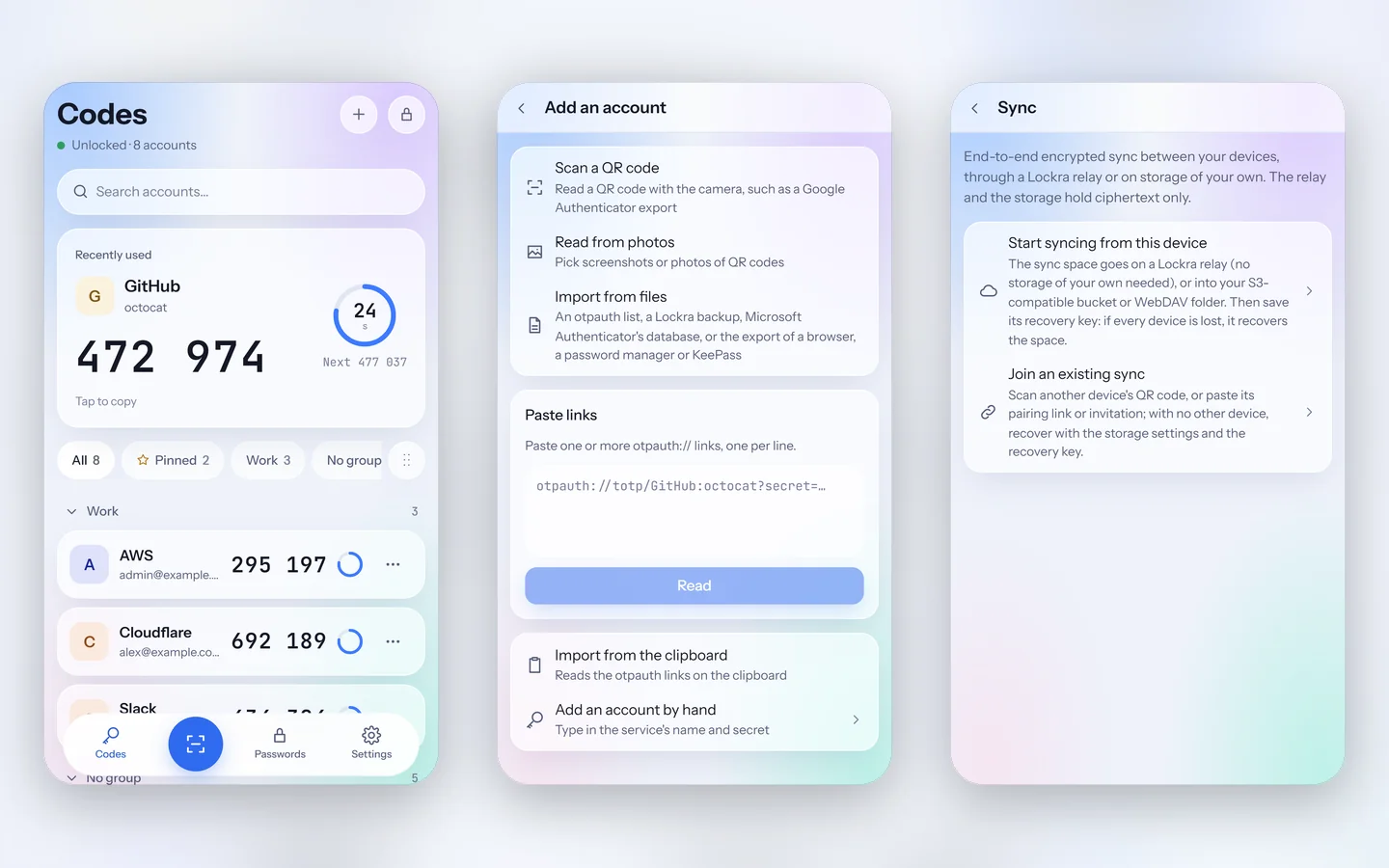
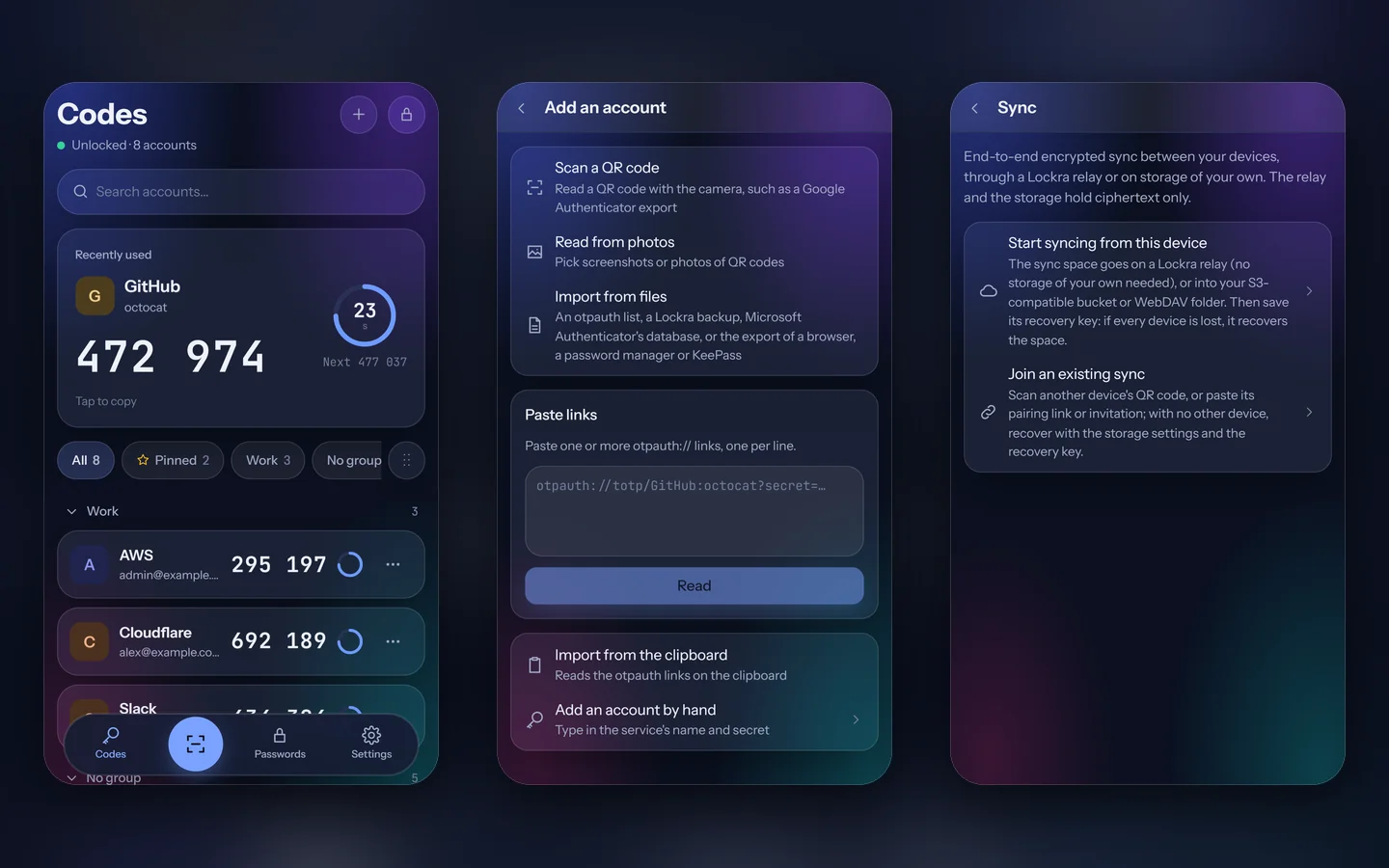
From version 0.7.0, every release also carries Lockra_<version>_android_arm64.apk, for ARM64 phones with Android 8 or later. Download it on the phone from the releases page and open it; the first time, Android asks whether the browser or the file manager that opens it may install apps. A newer APK from the releases page installs over the app and keeps its vault.
Check the APK like any other download, with SHA256SUMS and gh attestation verify Lockra_*_android_arm64.apk --repo sunerpy/lockra. It is signed with Lockra's Android key: with the Android SDK's build tools, apksigner verify --print-certs Lockra_*_android_arm64.apk shows the certificate's SHA-256, 5ac2ccffe00d12e80d13dbfc23425cd3b89eec77cd5d21adda4fdac1cf4dcc28. Android refuses to update the app with an APK signed by any other key.
The browser extension
The extension for Chrome, Edge and Firefox fills logins from Lockra 0.10.0 or later running on the same computer. Chrome, Edge and Brave load it unpacked: from 0.11.1, from the folder Lockra keeps it in and updates (turn on Settings › Browser › Browser integration in Lockra and find Extension folder), or from the release's lockra-extension_<version>_chromium-unpacked.zip. The Microsoft Edge Add-ons and Firefox Add-ons listings are not live yet. Once it is installed, pair the two (The browser extension).
Next steps
Quick start creates the vault and brings in your first accounts.